
LSDV Pipeline - IAEA
Introduction
This pipeline analyzes LSDV samples, automatically identifying the reference and reconstructing the consensus sequence.
- Official tool page: To be added
- Authors: Graham Freimanis and Richard Orton

How to run
After selection of the IAEA LSDV pipeline in the Run Analysis page, a confirmation interface will allow to go on to the parameter selection.
The IAEA LSDV pipeline pipeline consists of 3 main steps:
- Reads trimming
- Identification of the best reference
- Mapping
The required input are raw fastq reads (.fastq.gz):
- step_0SQ_rawreads
Screenshot of input selection 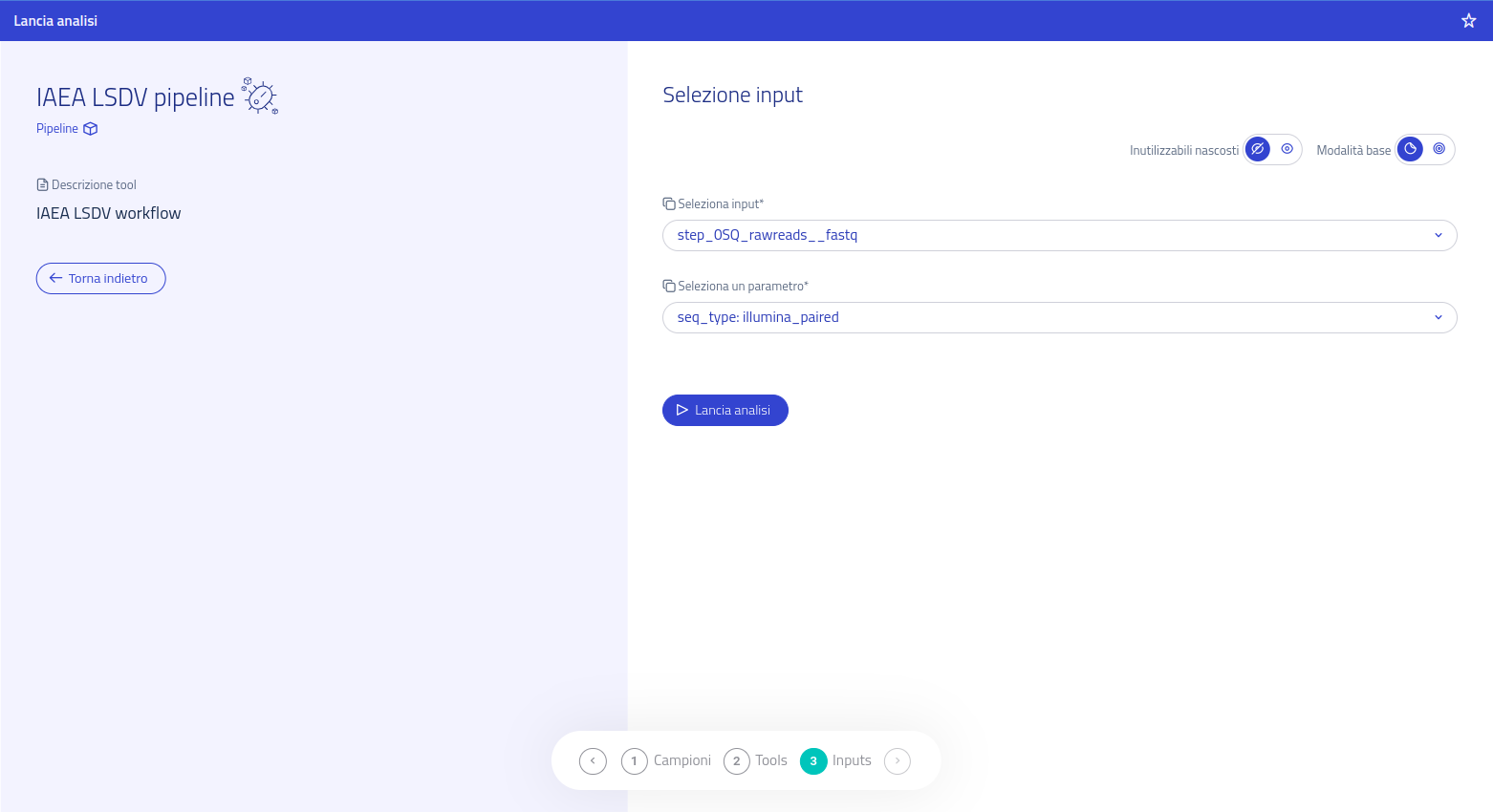
After confirmation, the Run Analysis page will generate a link to the Check Analysis section. From there, users can visualize the execution status of the analysis. Automatic notifications will be sent after successfully running the pipeline and after execution has finished.
Outputs
The output directory is available at the link in the download page or at the link presente in the analysis' summary card, and will have the following structure: results > YEAR > ID. The last directory's suffix will be replaced with the name of the chosen tool. At that path there will be 2 directories:
- meta: ("metadata") contains log and configuration files.
- result: contains the analysis' output files.
All the results produced by all the pipeline tools can be found in the result > LSDV-PIPELINE-RESULTS folder.
Data visualization
The pipeline produces an html webpage that can be opened in the browser