
Password management
The platform has been extended with an external authentication system; therefore, for procedures related to password change or reset, you may be redirected to a service outside of it.
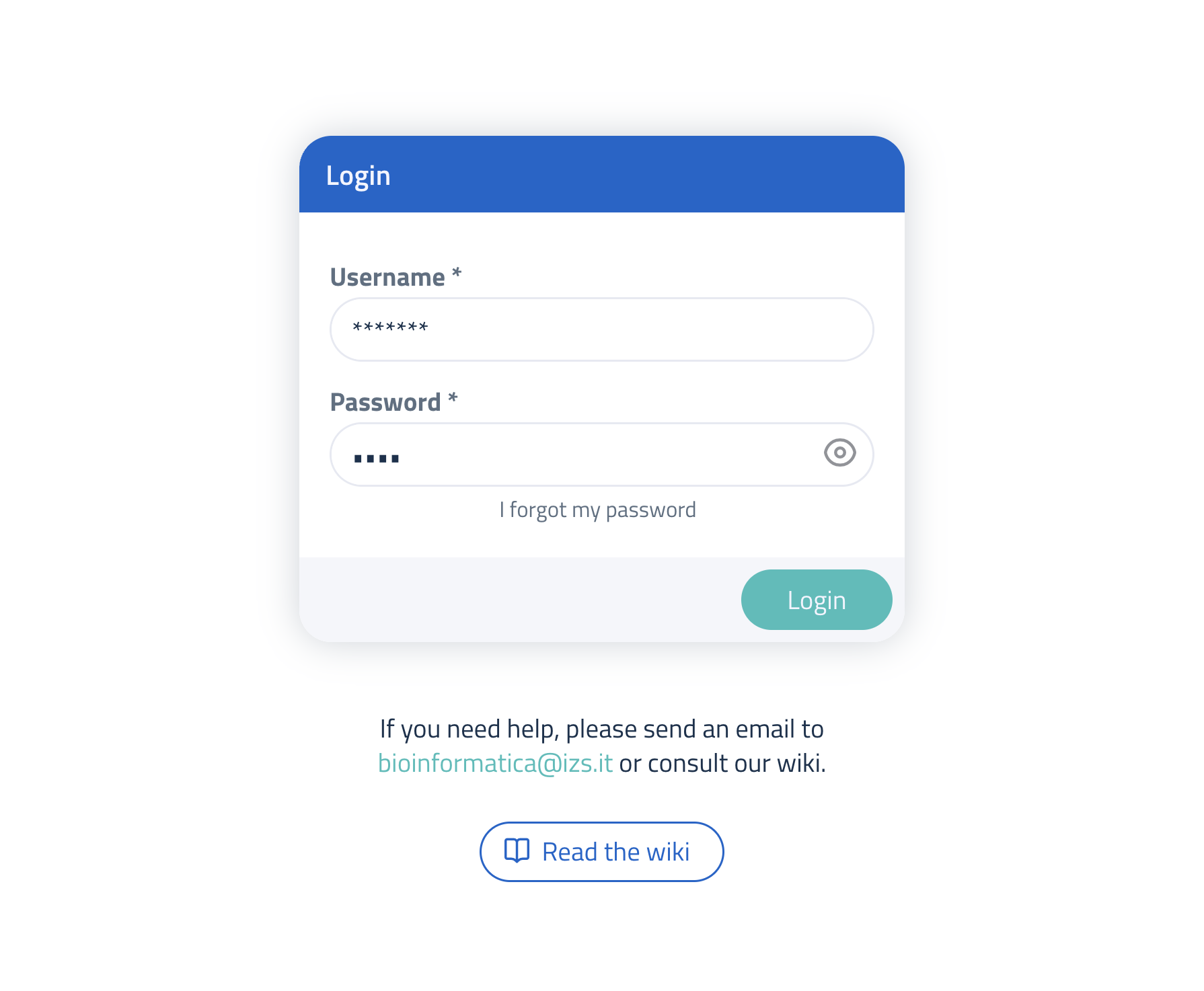
For your password recovery, it is possible to use the I forgot my password tip, available below the login form.
Password change procedure
To change your password, use the Change password option, available in the user menu at the top right of the platform.
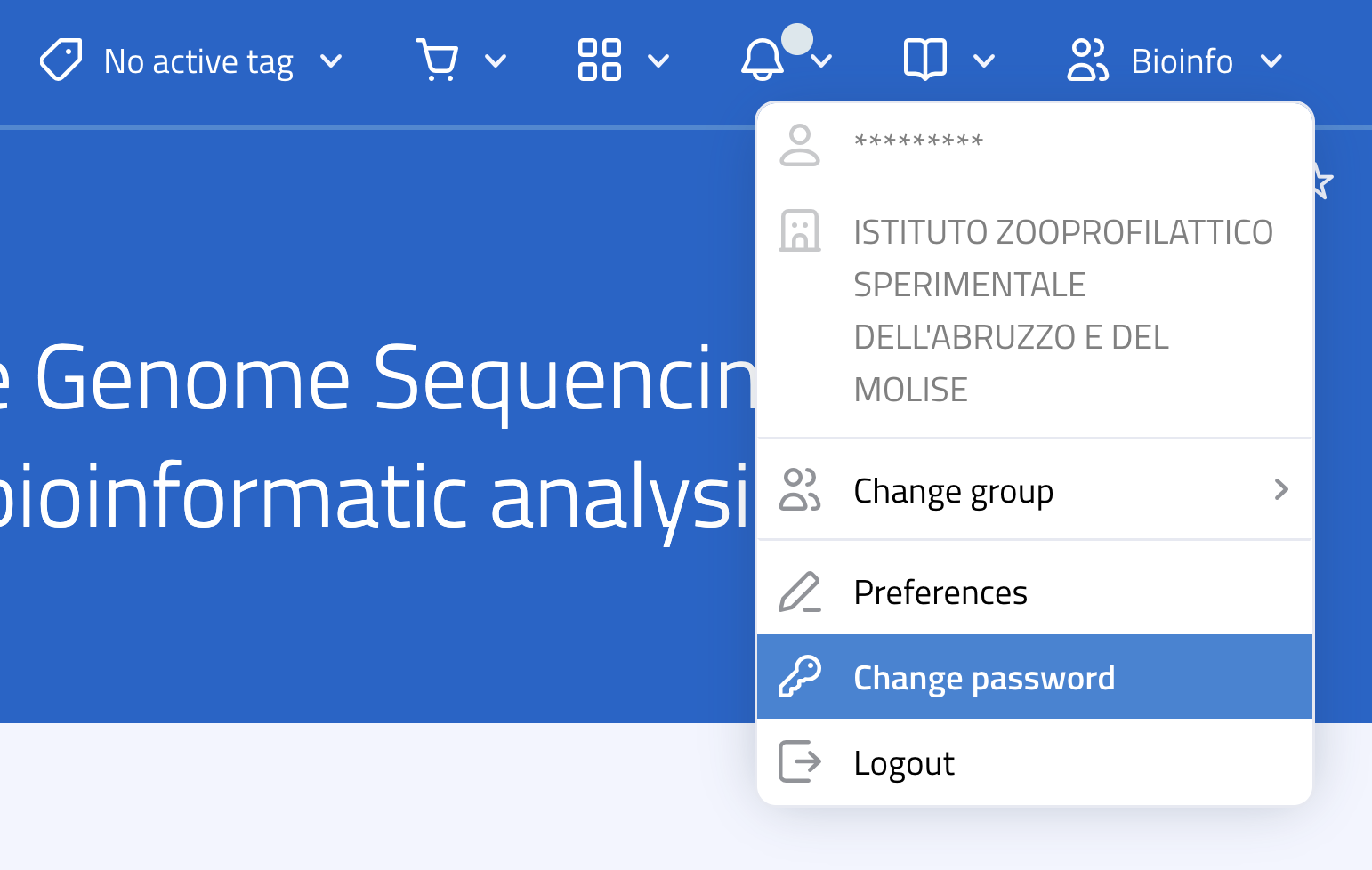
By selecting the Change password option, a modal window will open briefly explaining the required steps. By clicking Proceed*, you will be redirected directly to the external service: https://portale.izs.it/sspr/public/forgottenpassword.
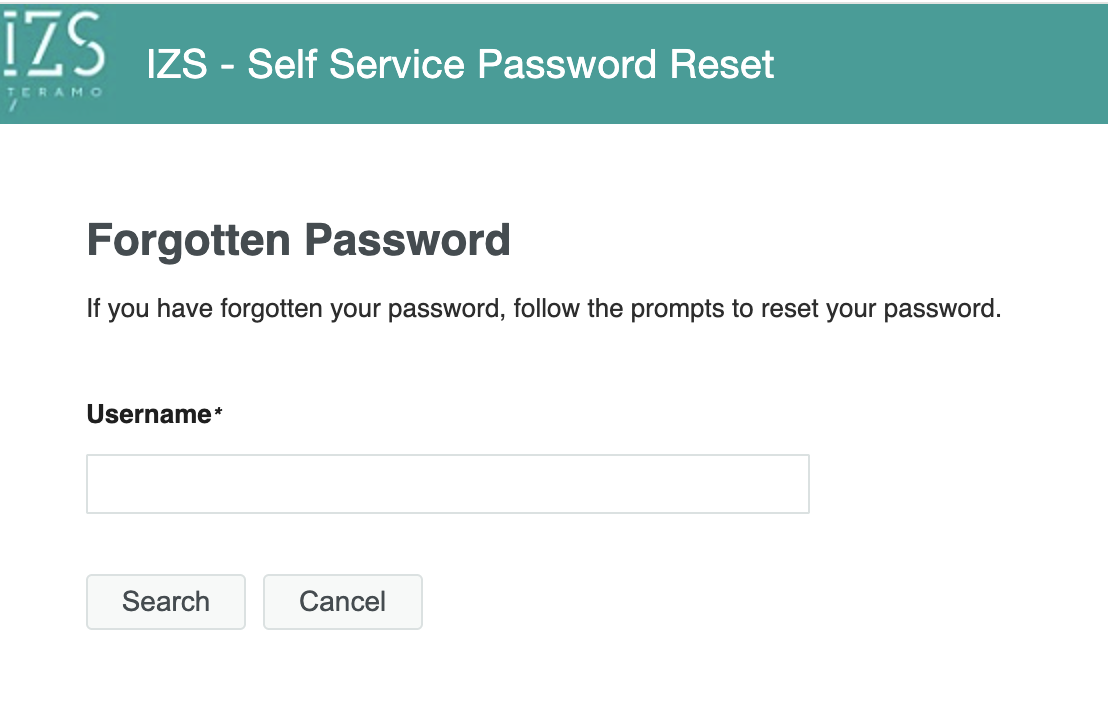
Tip You can change the language using the globe icon at the top right. The page title and description may refer to the forgotten password procedure, but don’t worry as it is the same flow used to change your password as well.
You will be asked to enter your username (the same one used to log into the platform). After verification, you will receive an email, at the address associated with your account, containing an OTP code (One-Time Password code).
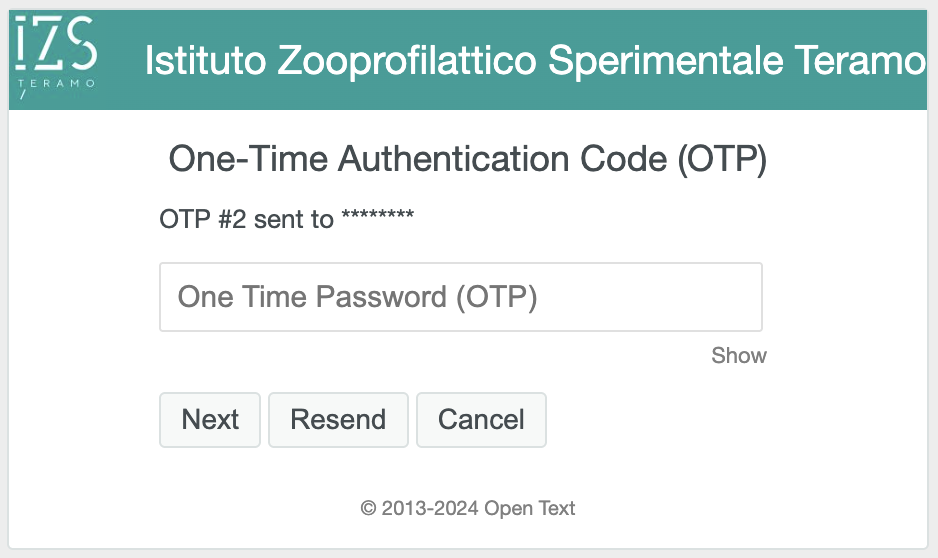
Once you have entered the OTP code, you will be able to set a new password.
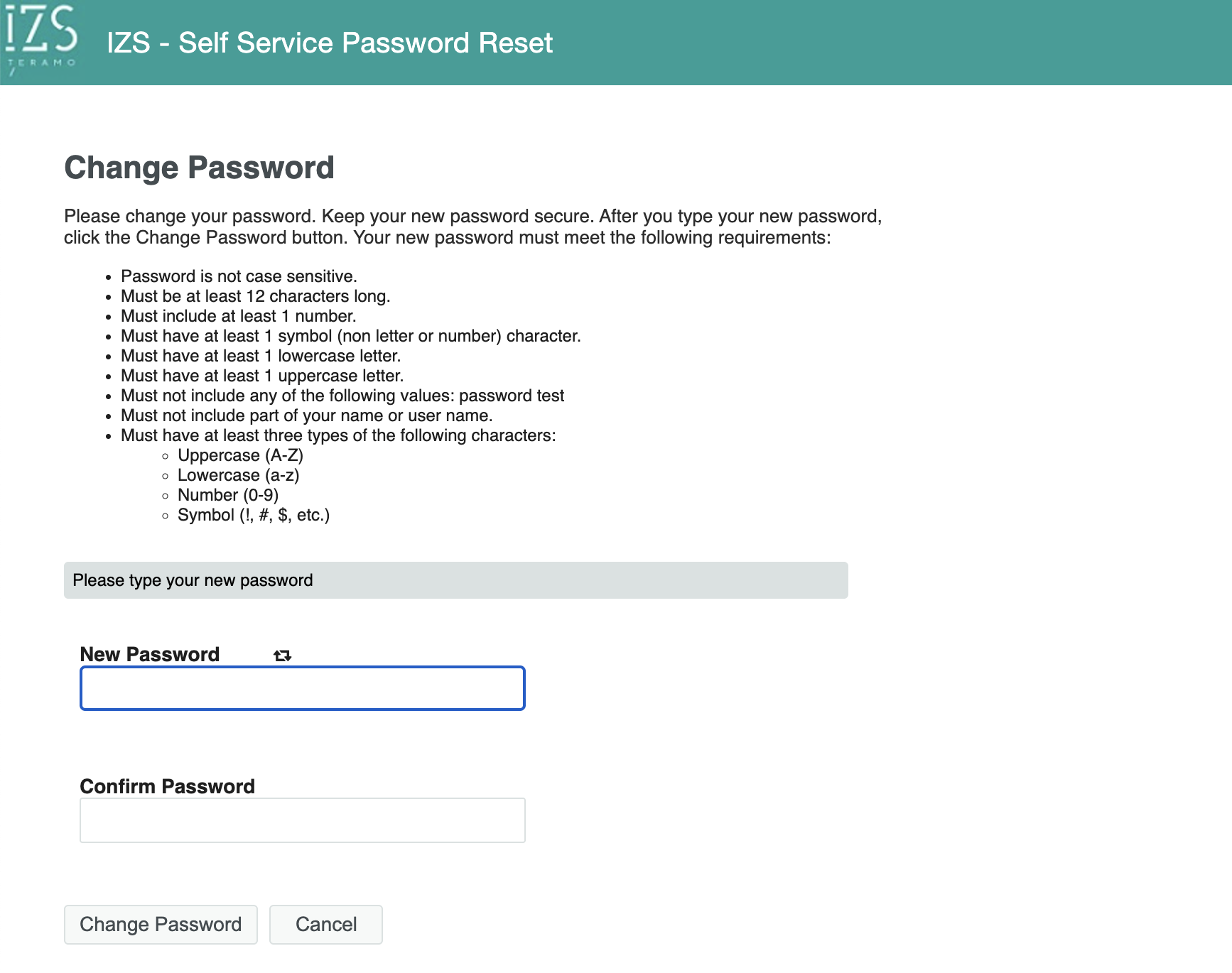
The reset process may take a few seconds. A progress bar will display the status of the operation; once completed, you will be able to go back to the platform.
Forgotten Password
If you have forgotten your password, click I forgot my password link, below the login form, to start the recovery procedure.
The steps are identical to those described in the Password Change Procedure section.
Password requirements
To ensure an appropriate level of security, passwords must meet the following requirements:
- Minimum length: at least 12 characters (it is recommended to use complex passwords of 15 or more characters);
- Uniqueness: the system does not allow setting a password identical to those used previously;
- Complexity: the password must meet at least three of the four following criteria:
- uppercase (A–Z);
- lowercase (a–z);
- number (0–9);
- symbol (!, #, $, etc.);
- characters from other languages not listed above;
- it must NOT contain parts of your name or username.
Final recommendation: always use long, unique passwords that are not linked to personal data. Consider using a secure password manager to store them.