
LSDV Pipeline - IAEA
Introduction
This pipeline analyzes LSDV samples, automatically identifying the reference and reconstructing the consensus sequence.
- Official tool page: To be added
- Authors: Graham Freimanis and Richard Orton

Run LSDV pipeline
Once the IAEA LSDV pipeline has been selected in the Run Analysis page, a confirmation interface will allow proceeding to the selection of parameters.
The IAEA LSDV pipeline pipeline consists of 3 main steps:
- Read trimming;
- Identification of the best reference;
- Mapping.
The required input are raw fastq reads (.fastq.gz):
- step_0SQ_rawreads
Screenshot of input selection 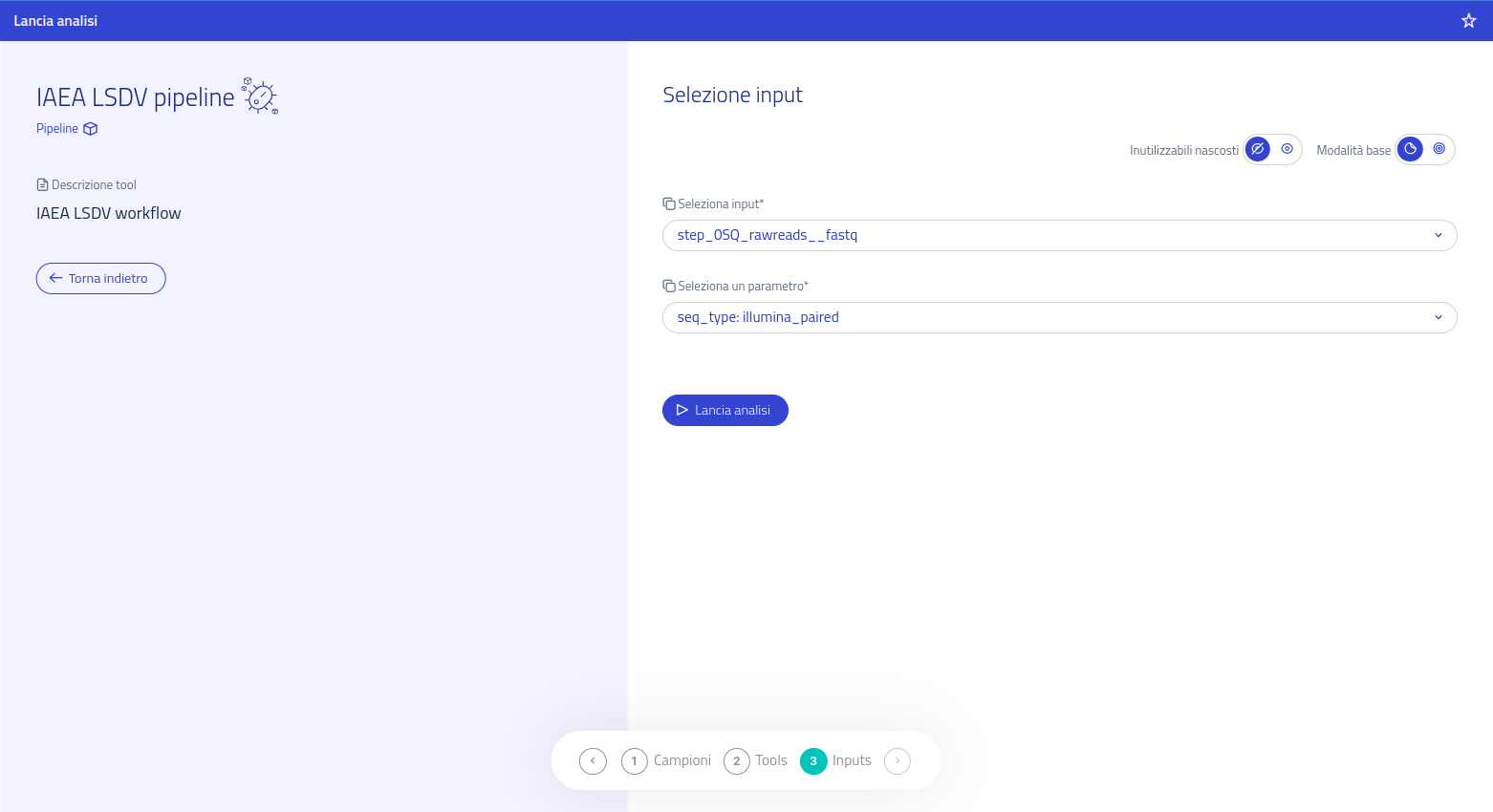
Once the pipeline is launched, the page generates a link to the Check analysis section to allow a check of the processus status. The user will be notified by the system both when the pipeline is successfully launched and when the operation is completed.
Result folder
The Result folder can be browsed by clicking the link available within the analysis card, in the Result data section. Inside the subsequent results folder, there are 2 subfolders:
- meta: (metadata), where the log and configuration files of the executed process are saved;
- result: where the files containing the results produced by the analysis are saved.
All the results produced by the pipeline tools can be found in the result > LSDV-PIPELINE-RESULTS folder.
Data visualization
The pipeline generates an .html webpage that can be opened in the browser.