
1PP_hostdepl
Introduction
The 1PP_hostdepl analysis maps the reads against the genome of the selected host organism, allowing the removal of host-contaminating reads from the FASTQ files (host sequence depletion).
The output files consist of new FASTQ files with cleaned reads.

Run 1PP_hostdepl analysis
Once the analysis 1PP_hostdepl has been selected in the dedicated run analyses page, it will be possible to choose the bioinformatics software ("method") to use from those available for the analysis. The available tools for this analysis are:
-
For all reads:
-
Bowtie - An ultrafast, memory-efficient short read aligner.
Bowtie GitHub page: https://github.com/BenLangmead/bowtie
Only for long reads from nanopore-based devices:
- minimap2 - a versatile sequence alignment program that aligns DNA or mRNA sequences against a large reference database.
Minimap2 GitHub page: https://github.com/lh3/minimap2
In the section dedicated to the input selection, it is necessary to specify both the input reads and a reference, as an additional parameter. Host depletion is performed by mapping the reads from the FASTQ files against a reference genome - the host genome - whose contaminating sequences must be identified and removed from the reads. In the definition of the Host parameter, it will therefore be possible to select any of the reference genomes for species uploaded into GenPat.
Note: If the desired host is not among those available, please send a request by e-mail to the bioinformatics department (bioinformatica@izs.it), to have the reference genome added to GenPat.
The input selection interface of this analysis provides the advanced input selection mode, so as to be able to simultaneously select FASTQ files that have been previously processed by different methods.
Inputs for Bowtie:
- step_1PP_trimming
- step_1PP_hostdepl
- step_1PP_downsampling
Inputs for minimap2:
- step_0SQ_rawreads
If the selected software is minimap2, inputs can only come from step_0SQ_rawreads of single long reads produced by nanopore-based devices. For further information about the minimap2 software, please refer to the minimap2 official GitHub page.
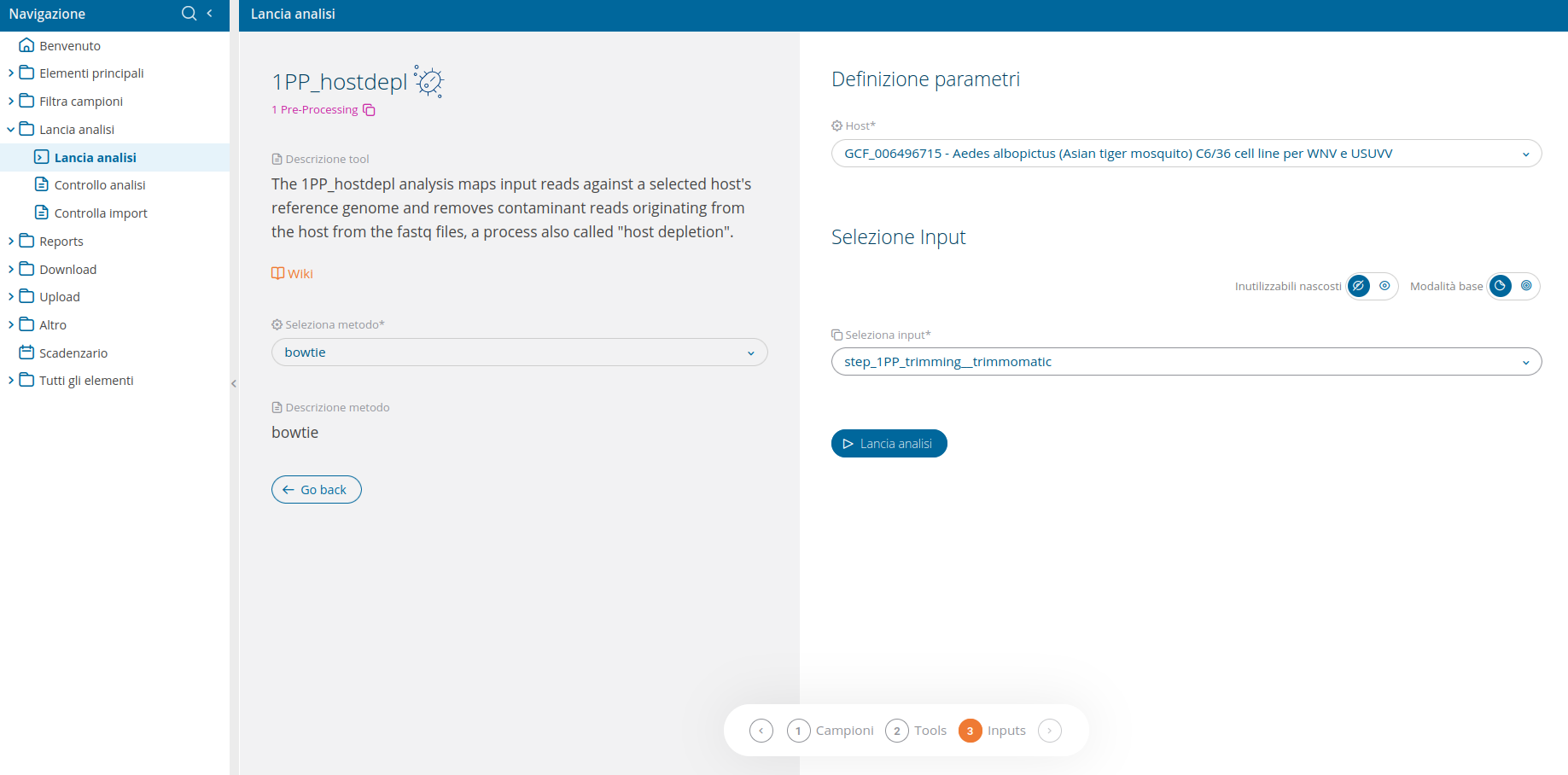
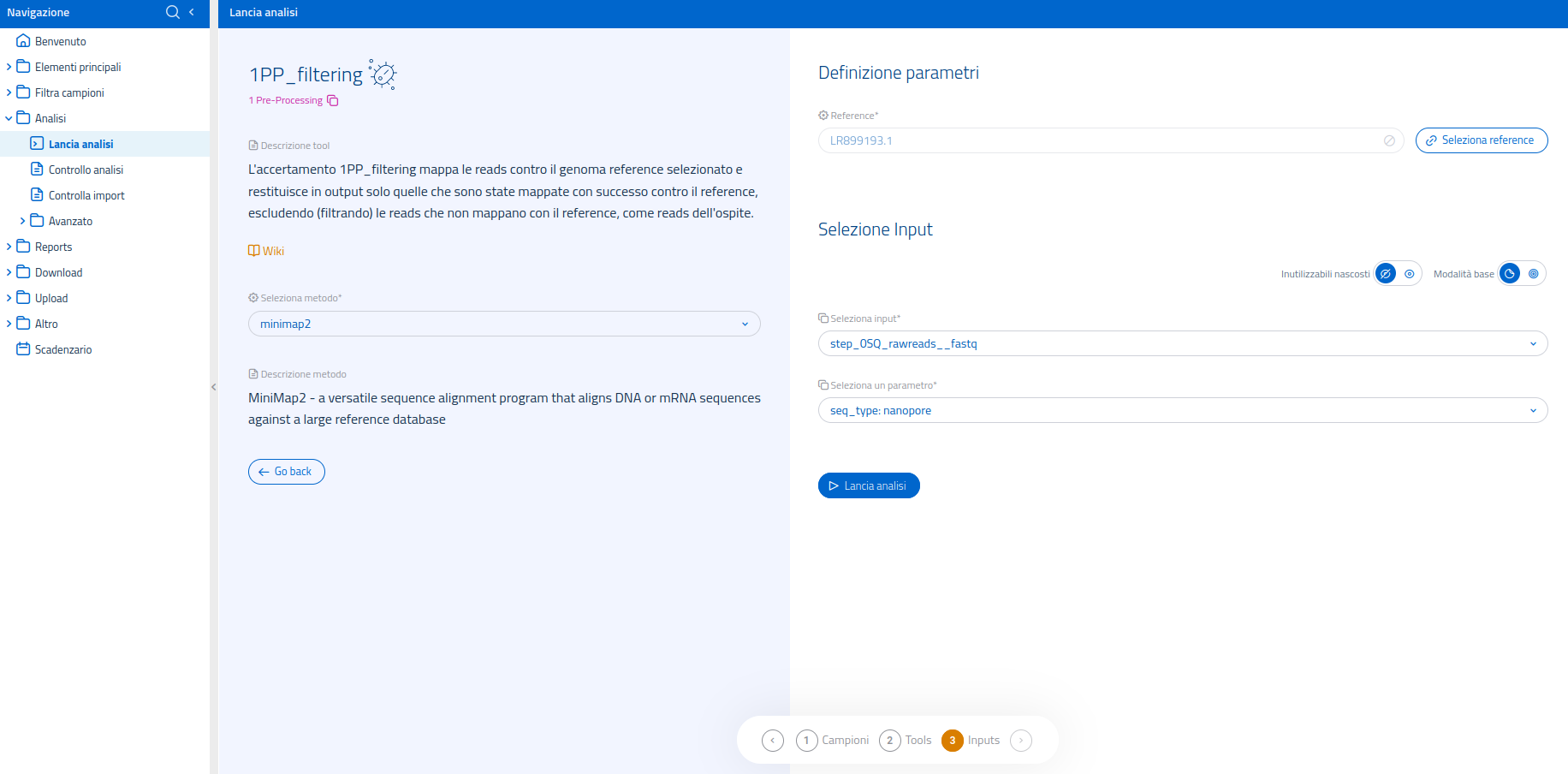
Once the analysis is launched, the page generates a link to the Check analysis section to allow a check of the processus status. The system will send the user a notification both when the analysis is successfully started and when the operation is completed.
Result folder
To consult the guide on how to download files from the platform, please refer to the dedicated page.
The Result folder can be browsed by clicking the link available within the analysis card, in the Result data section. Inside the subsequent results folder, there are two subfolders:
- meta (metadata), where the log and configuration files of the executed process are saved;
- result, where the files containing the results produced by the analysis are saved.
The tables below show the list of the files generated by the available tools for 1PP_hostdepl, along with some useful information.
Bowtie:
| File | Description | Location |
|---|---|---|
| DSXXXXXXXX-DTXXXXXX_ID_R1_vdhost_HOSTID.fastq | depleted read 1 (R1) | Folder: result |
| DSXXXXXXXX-DTXXXXXX_ID_R2_vdhost_HOSTID.fastq | depleted read 2 (R2) | Folder: result |
minimap2:
| File | Description | Location |
|---|---|---|
| DSXXXXXX-DTXXXXXX_ID_minimap2_HOSTID.fastq.gz | depleted fastq of single read from nanopore device (compressed file) | Folder: result |